 TidyLens
Messy room?
Take a photo.
Get a plan.
TidyLens looks at what's actually in your room and turns it into small, easy steps.

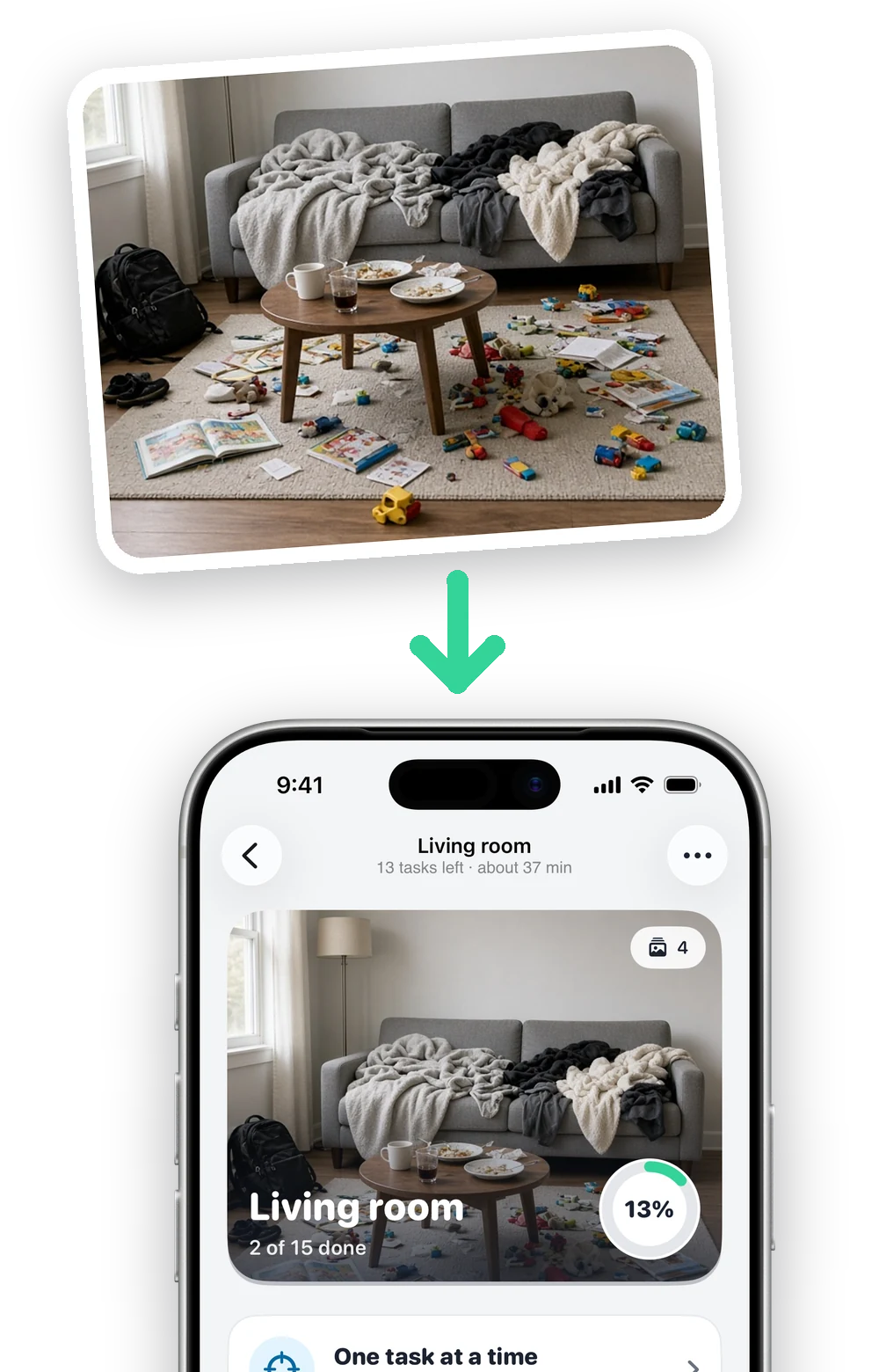
From a photo to a tidy room
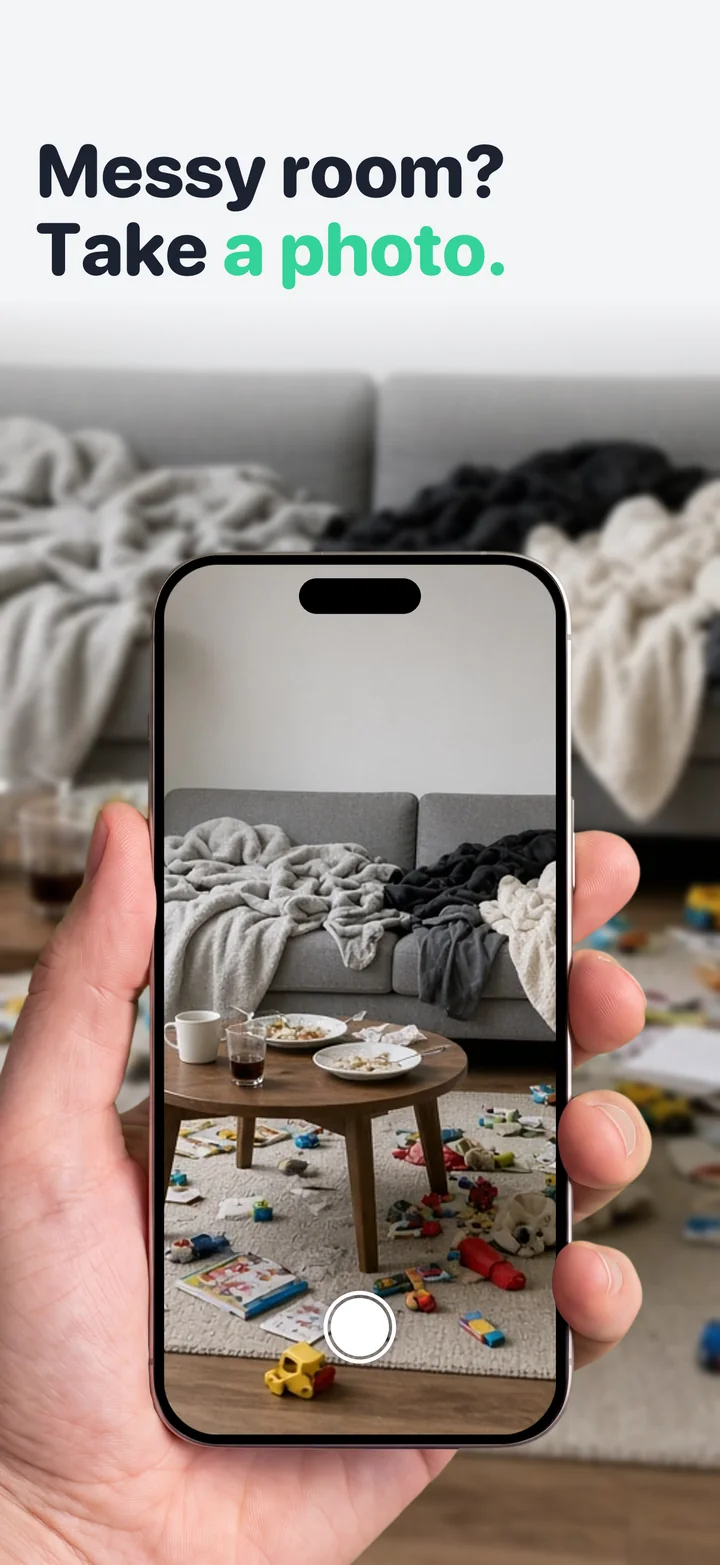
1. Snap the room
One photo, or a few from different corners of a big room.
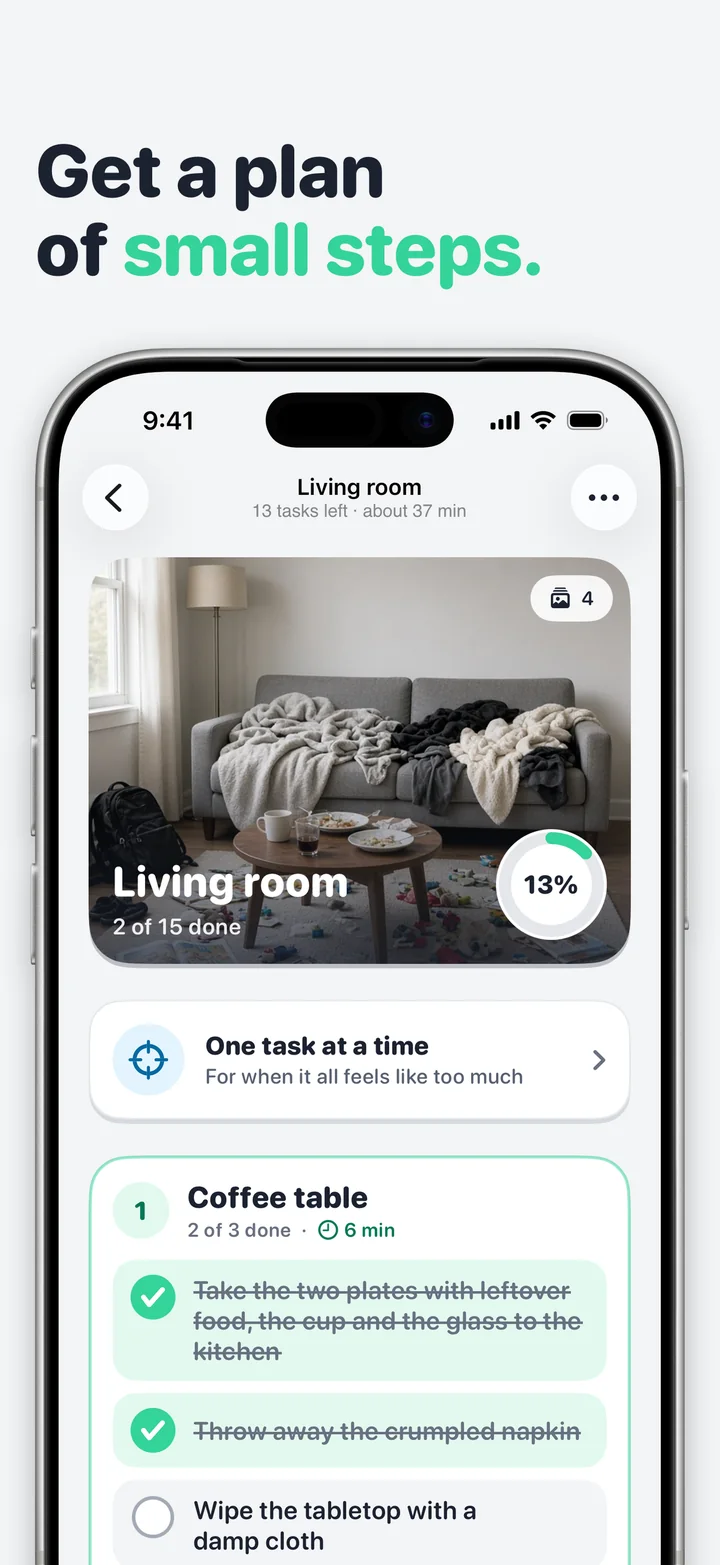
2. Get your plan
Split into zones, with small steps and a time estimate for each.
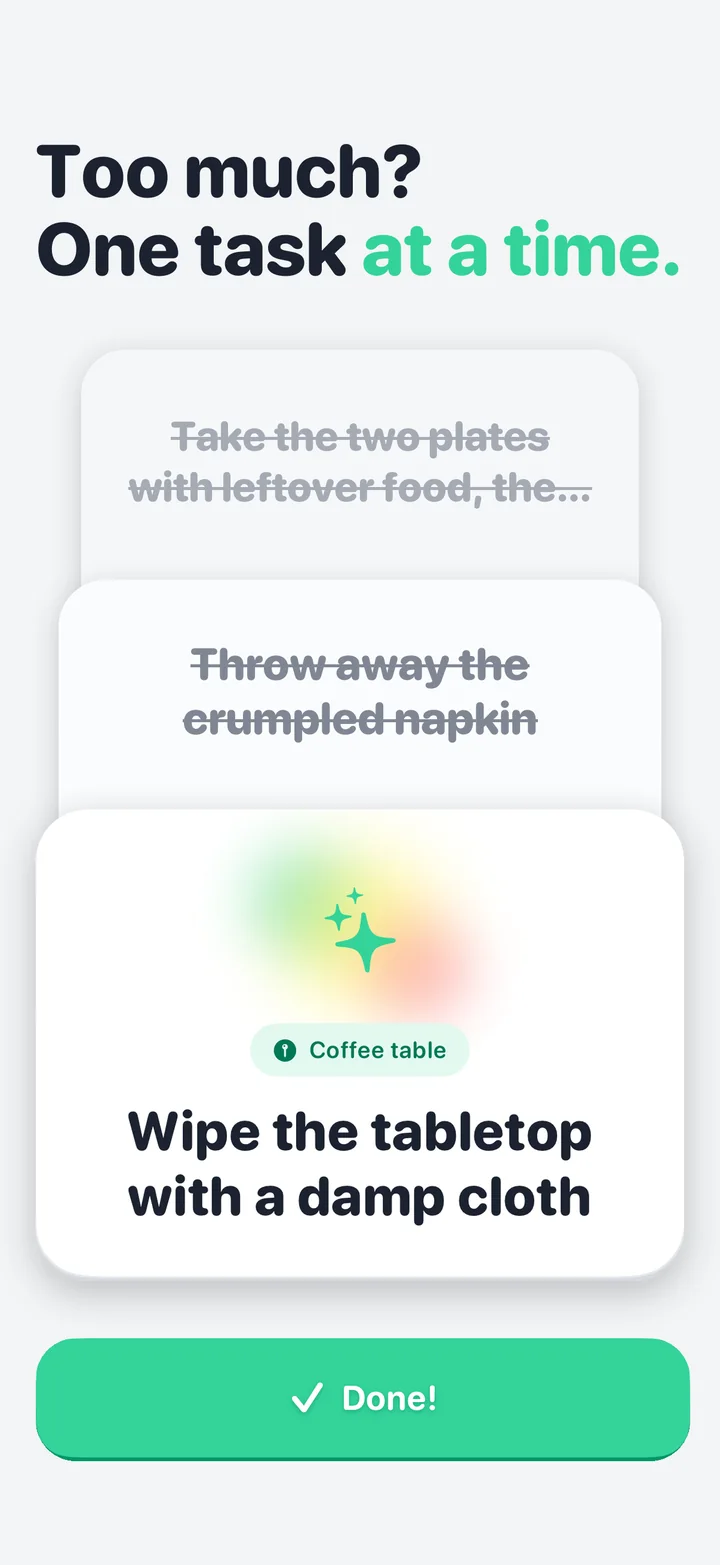
3. One task at a time
When a list feels like too much, see a single step, do it, move on.
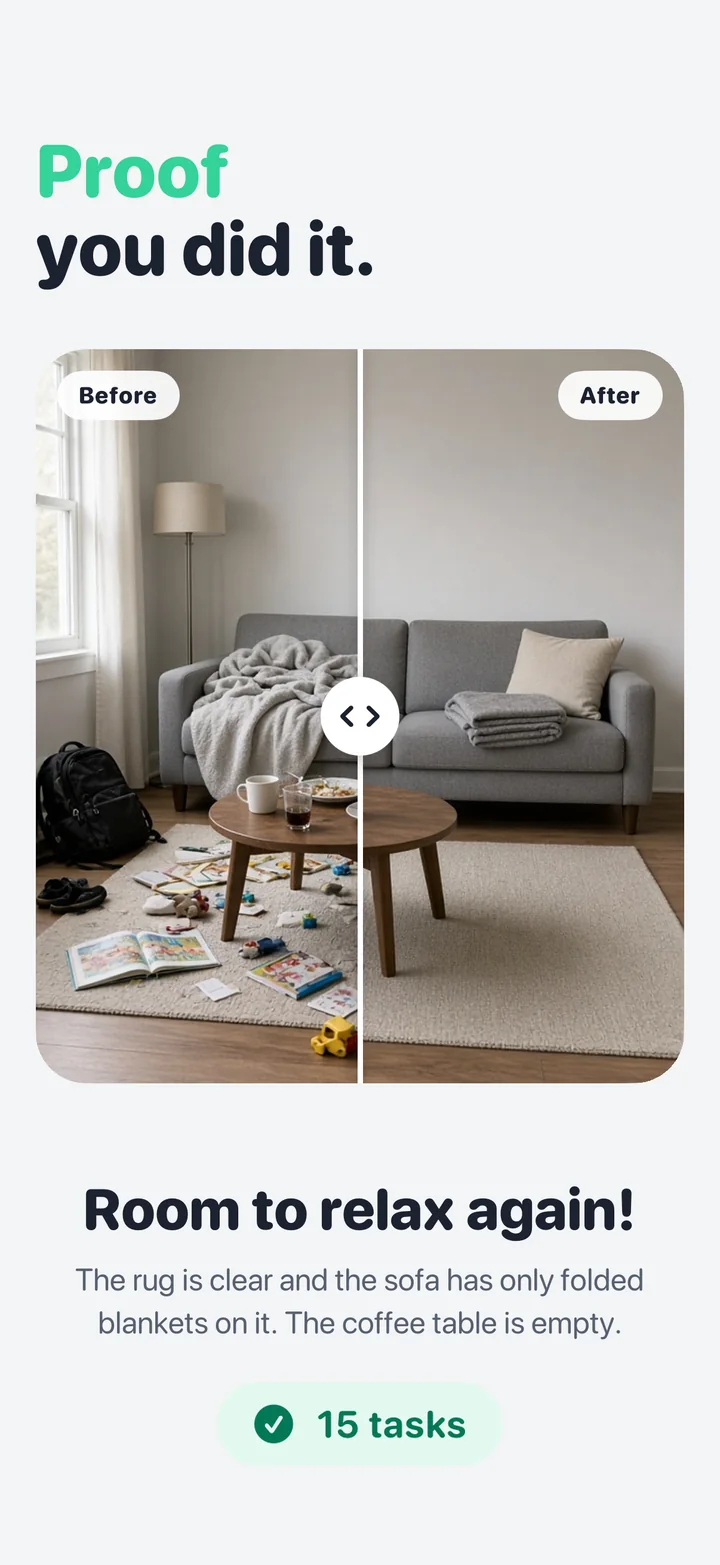
4. See the difference
Add an after photo, compare it with the before and share it.
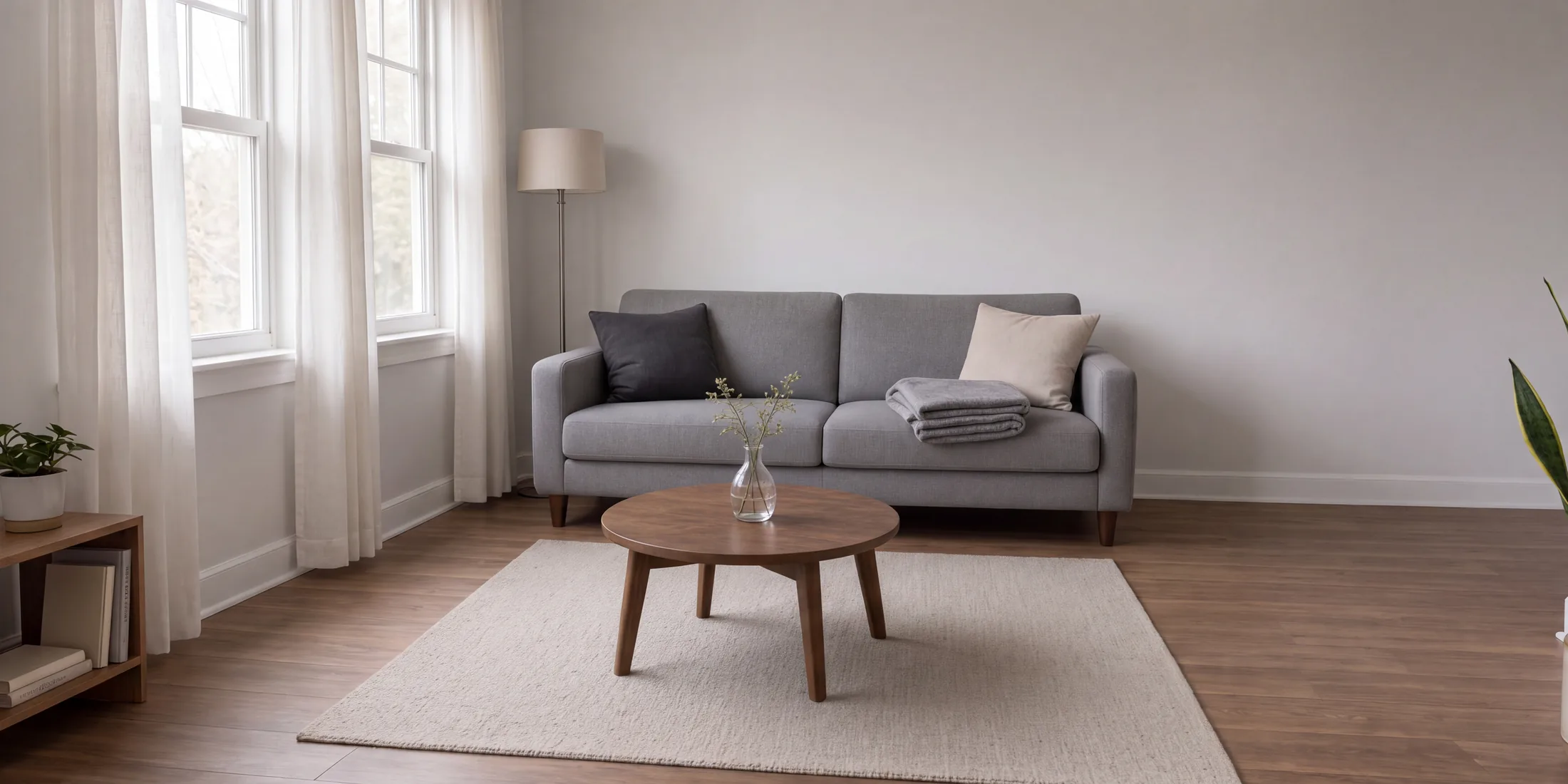
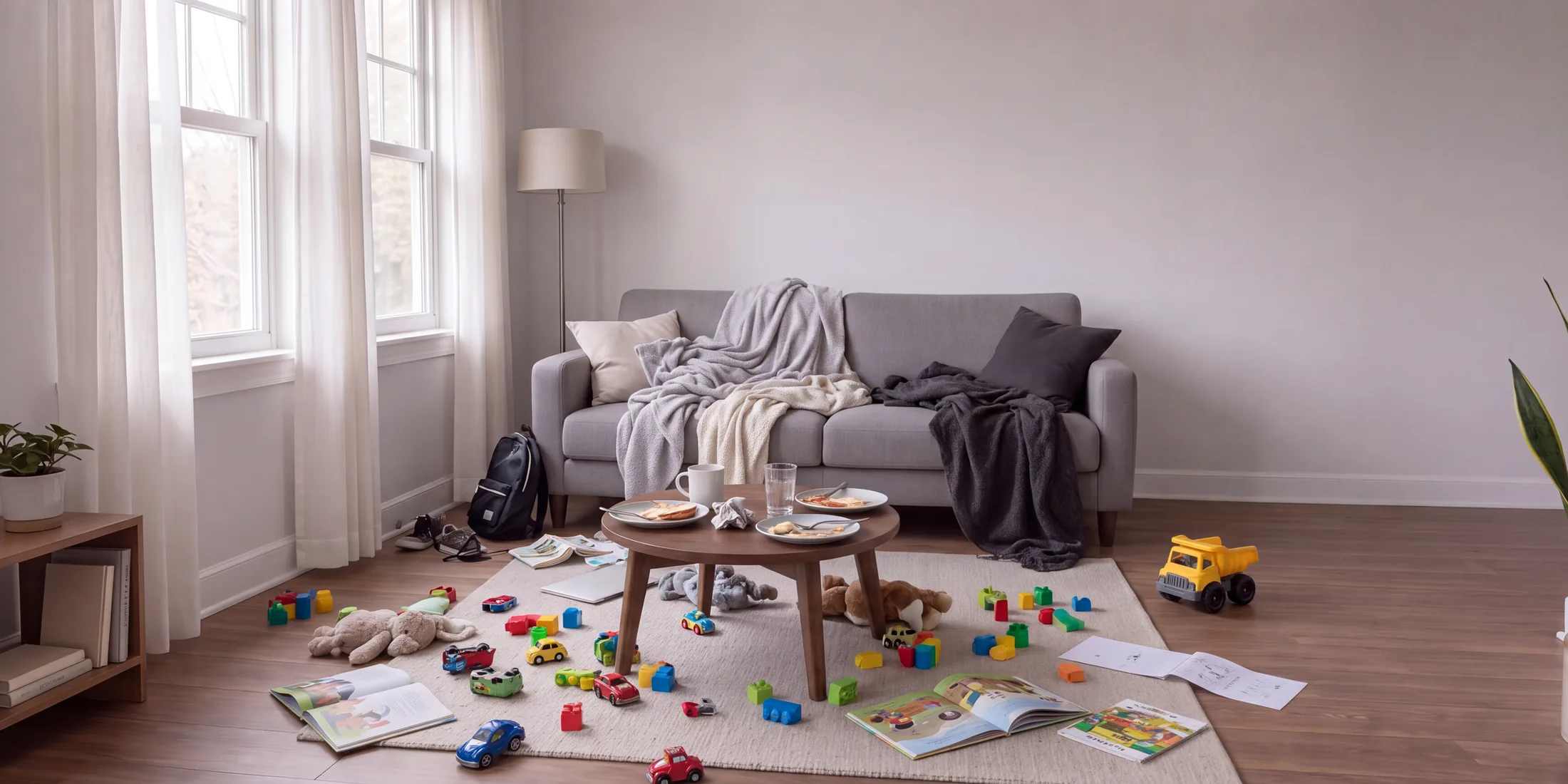 BeforeAfter
Made for the days it all feels like too much
Made for your room
The plan names what is really there: the plates on the coffee table, the blankets on the sofa, the toys on the rug.
Quick, regular or deep
Pick how thorough you want to be before the scan, from a fast reset to a deep clean.
Small steps, real times
Every zone has a few short tasks and an estimate in minutes, so you know what you are signing up for.
Yours to edit
Rename zones, add or remove tasks and change the times. Come back to an unfinished room later.
No streaks, no pressure
A light look at the tasks, rooms and days you have done. Nothing nags you when you take a day off.
In your language
The app and the plans come in 11 languages.
Questions
How does TidyLens make a cleaning plan?
You take a photo of the room. TidyLens looks at what is actually in it and writes a plan split into zones, with small steps and a time estimate for each.
Which rooms does it work for?
Any of them: bedroom, kitchen, bathroom, living room, desk, closet, garage, or just one messy corner.
Which languages does it speak?
English, German, Spanish, French, Italian, Japanese, Dutch, Polish, Swedish, Turkish and Ukrainian.
Start with one photo
The room is not going to plan itself. TidyLens will.